Defining the concept
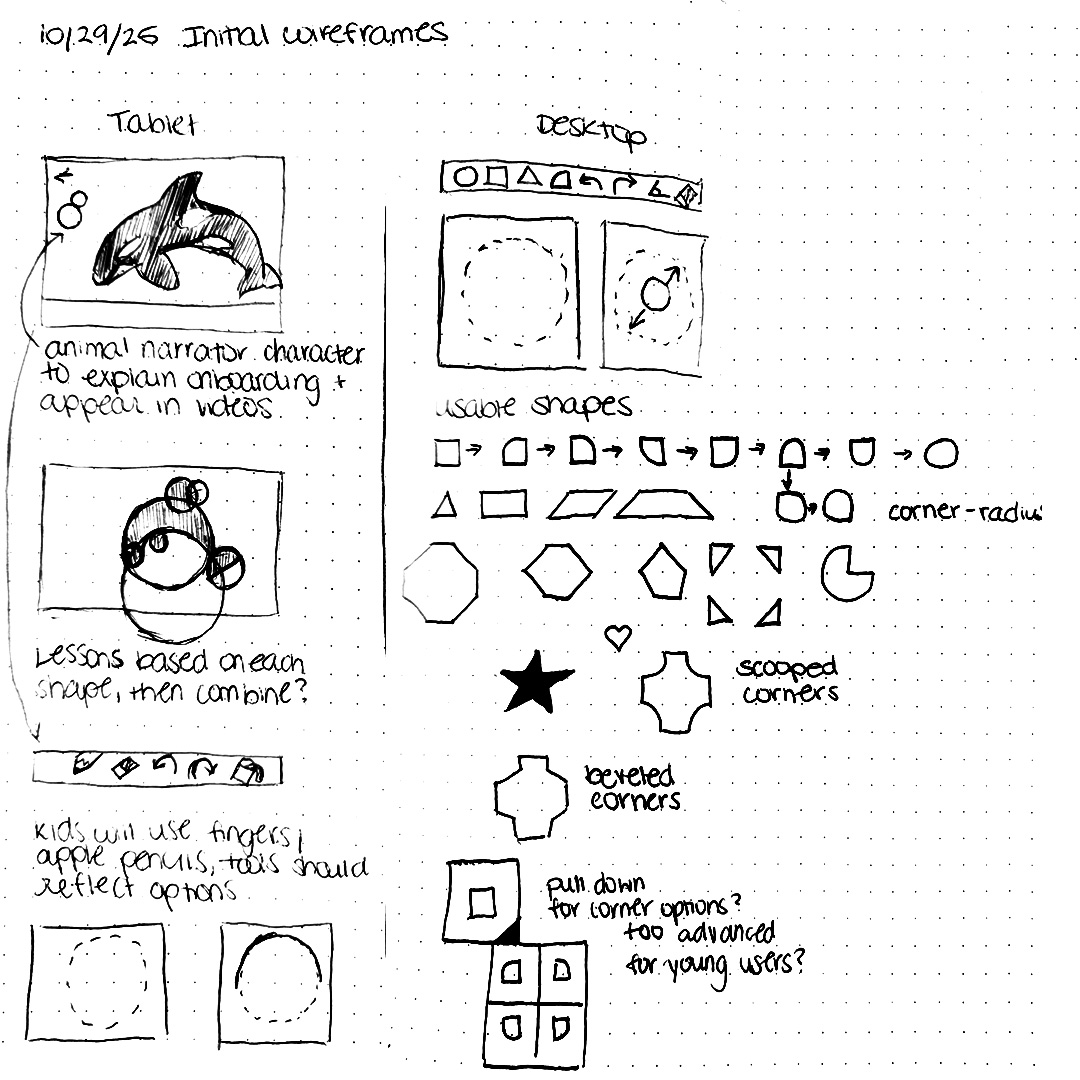
I sketched out the basic interface flow, figuring out device limitations, general layouts, and shapes that could be coded into the interface.

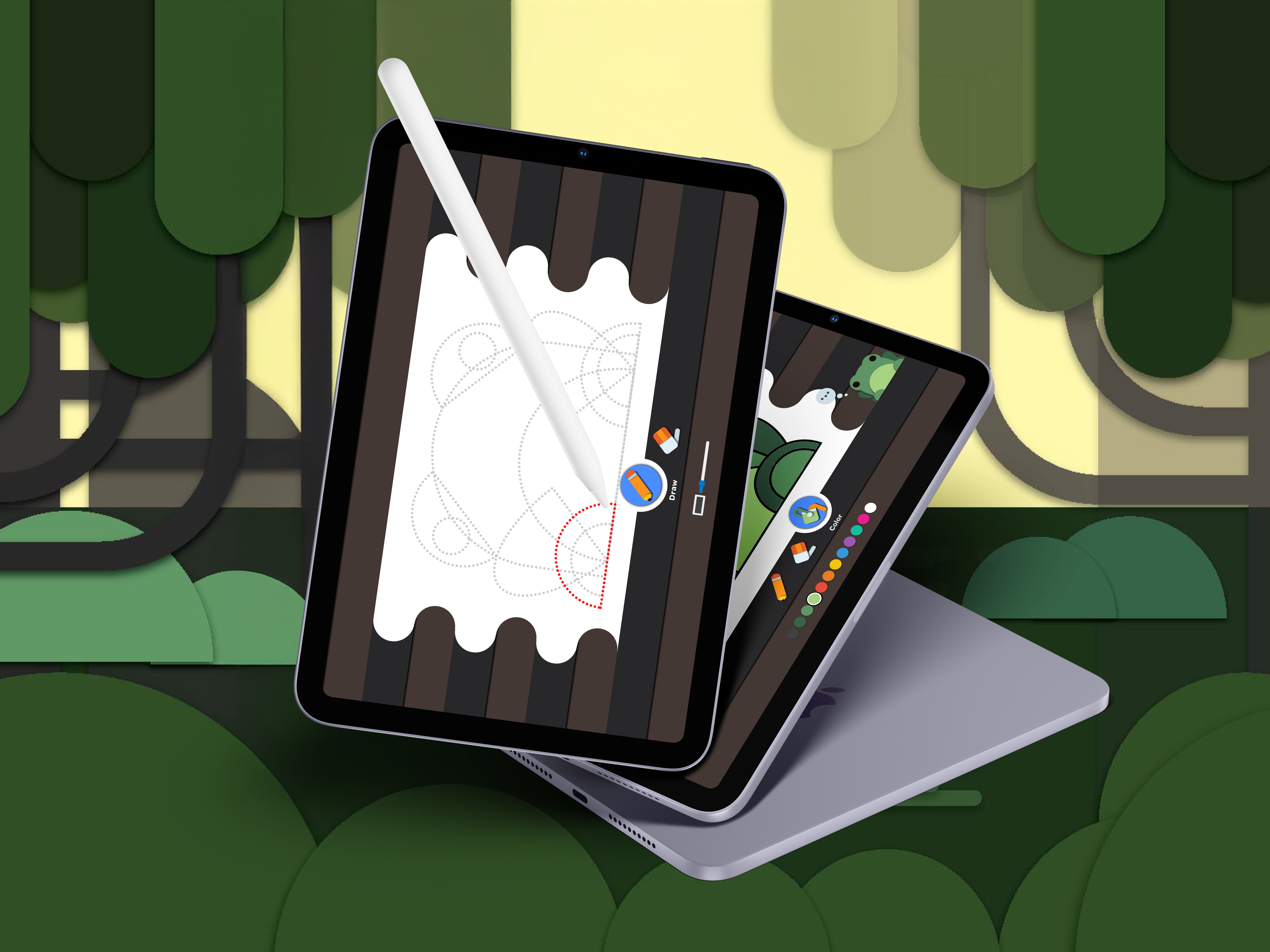
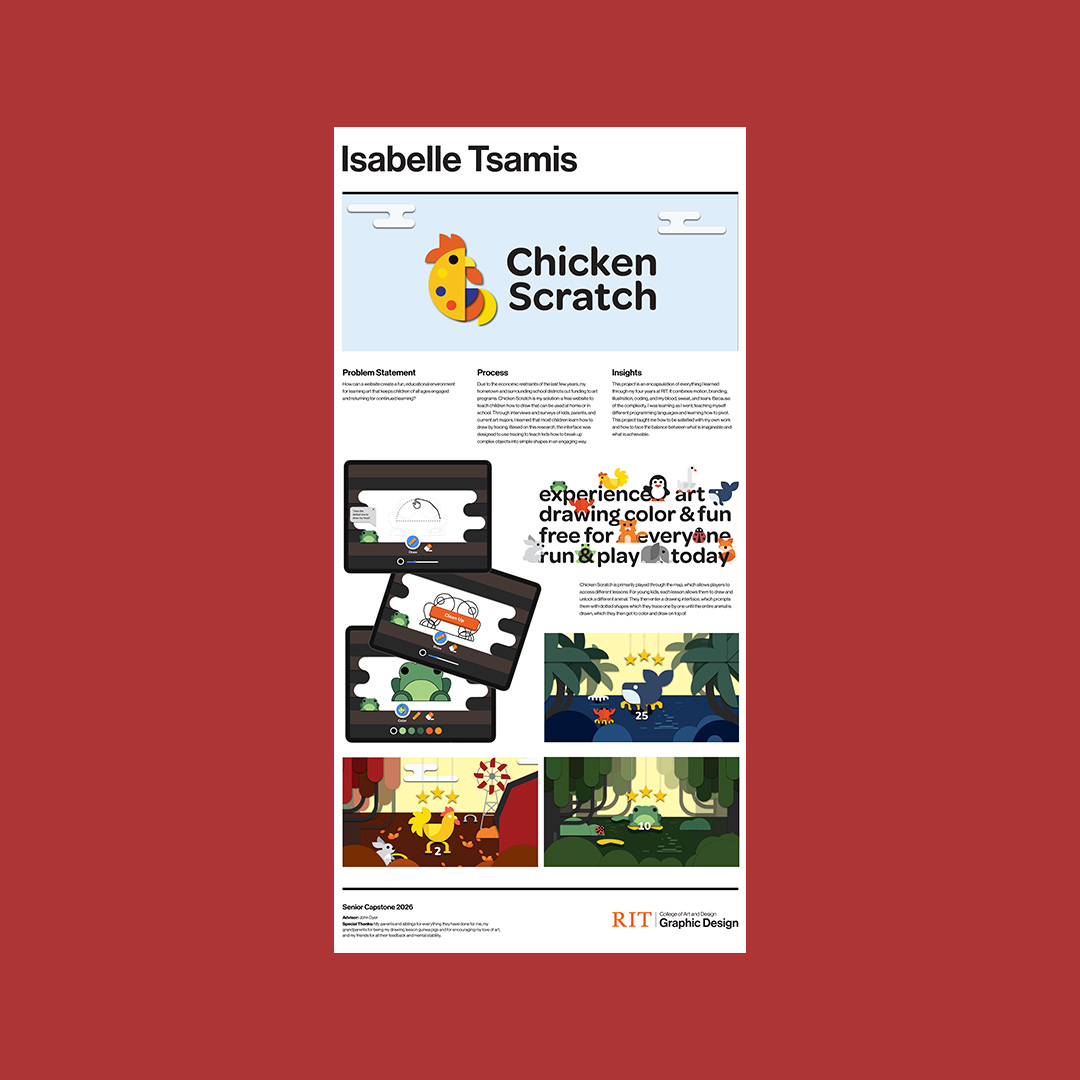
Chicken Scratch is a web game invented for my senior capstone project aimed at answering the question, "How can a website create a fun, educational environment for learning art that keeps children of all ages engaged and returning for continued learning?" The interface solves this by using basic shapes and tracing to teach children how to break down complex objects when learning to draw in a gamified manner.
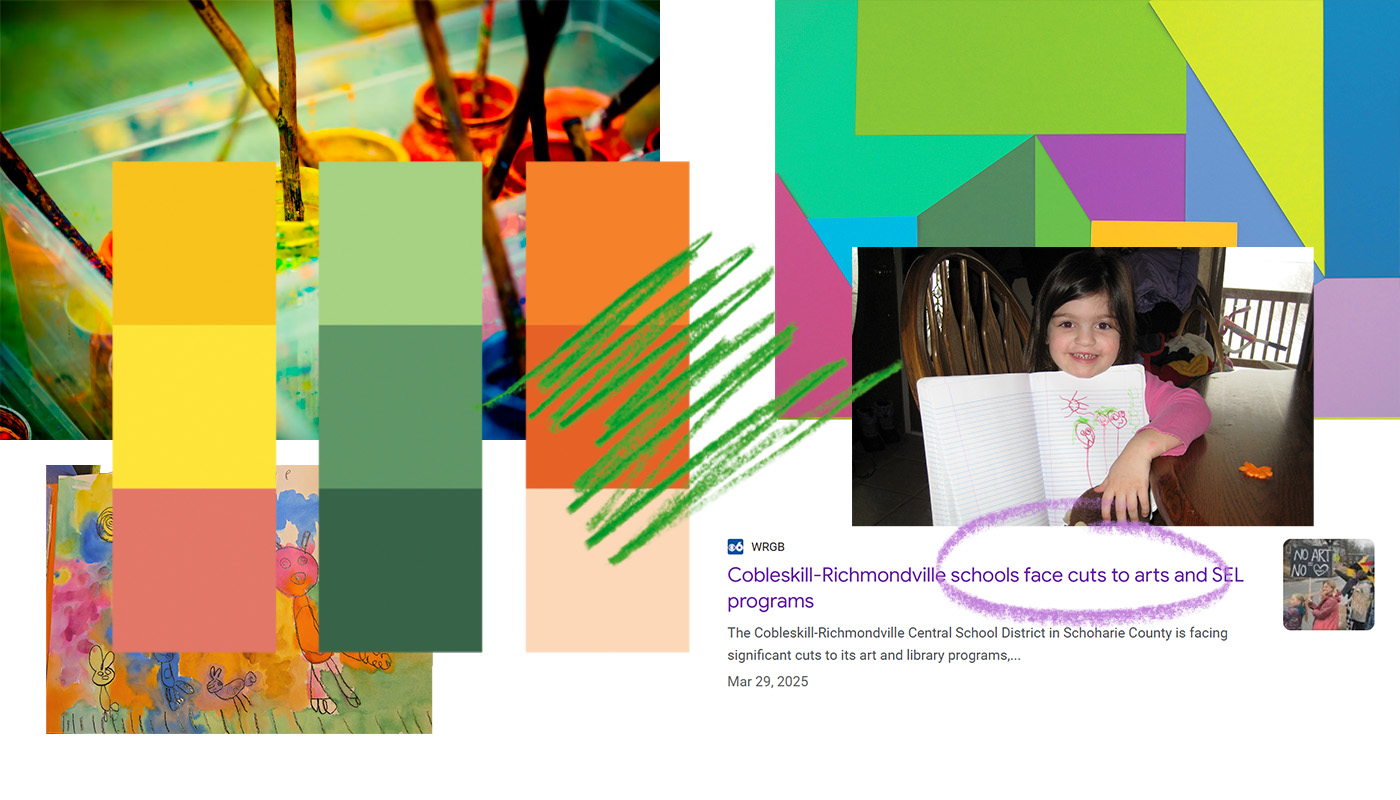
Due to the economic restraints of the last few years, my hometown and surrounding school districts cut funding to art programs. My goal was to create an alternative learning environment for art that could be used independently of or alongside a school curriculum. Through interviews and surveys of kids, parents, and current art majors, I learned that most children learn how to draw by tracing. Using HTML, CSS, JavaScript, and lots of user testing, Chicken Scratch was brought to life.
I sketched out the basic interface flow, figuring out device limitations, general layouts, and shapes that could be coded into the interface.
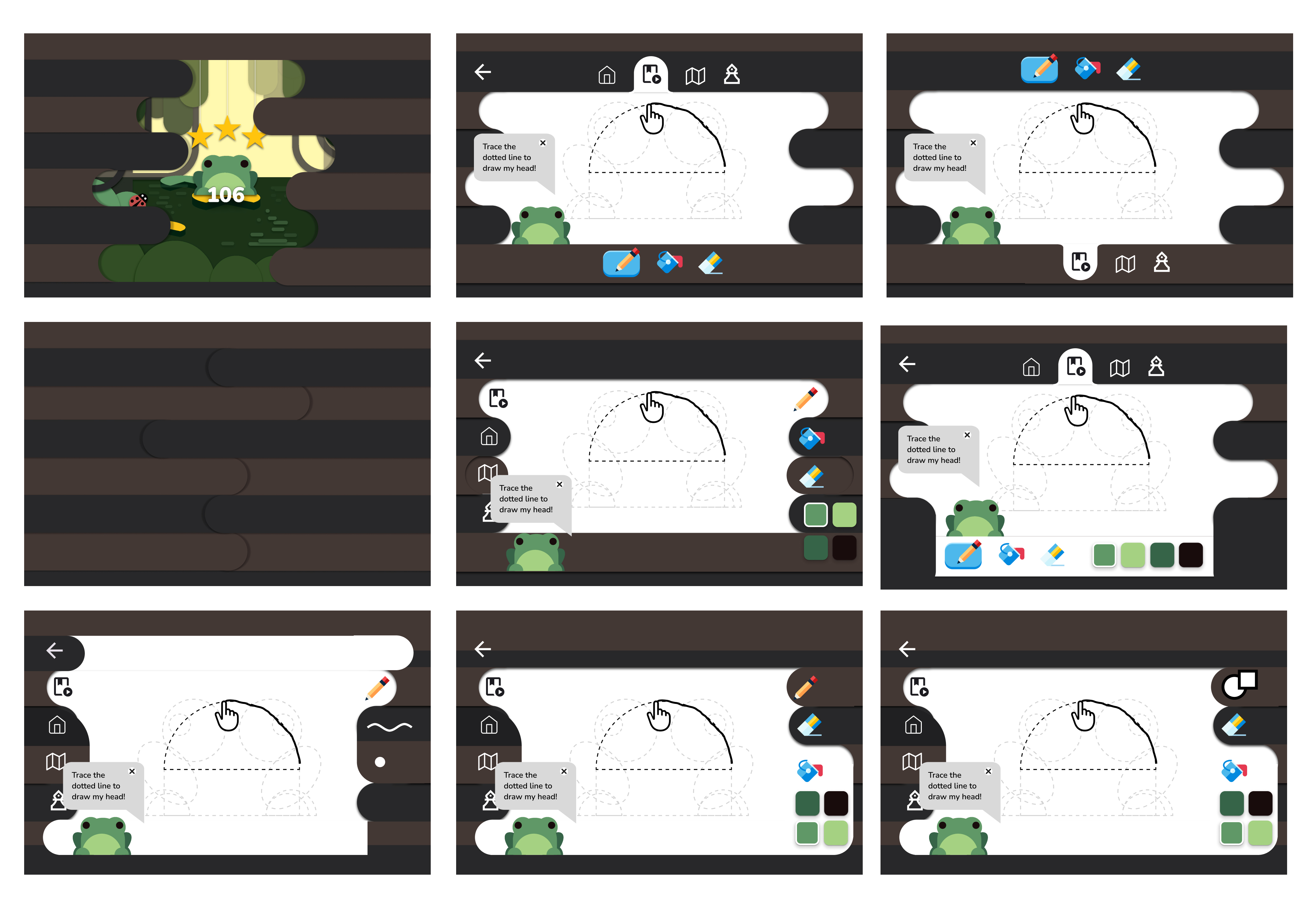
Low-fidelity wireframes tested different layouts, tools, and animations between different screens. My peers user tested which layouts were best for tablet and desktop holds, which tools were necessary options, and which active and unselected designs communicated best.
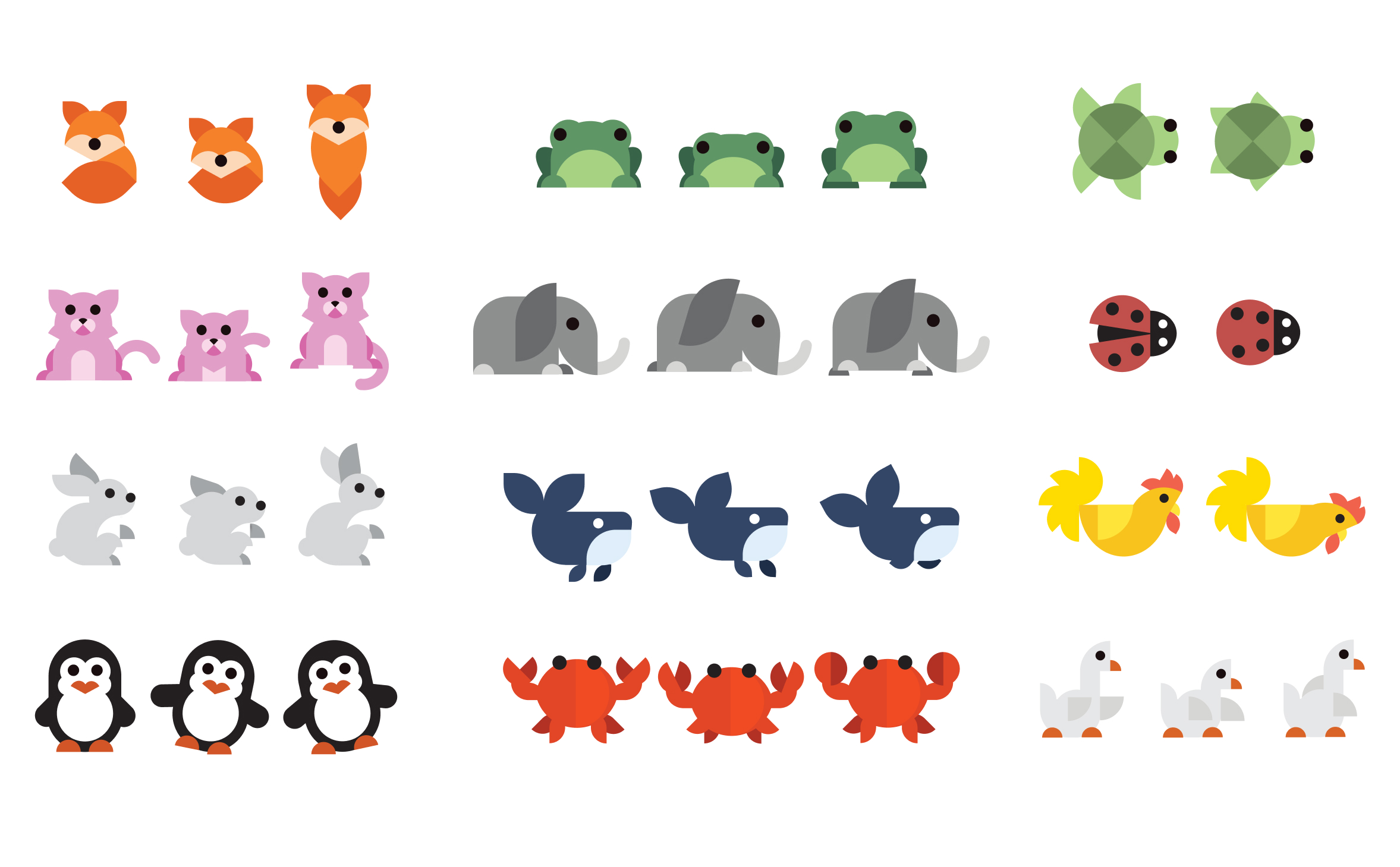
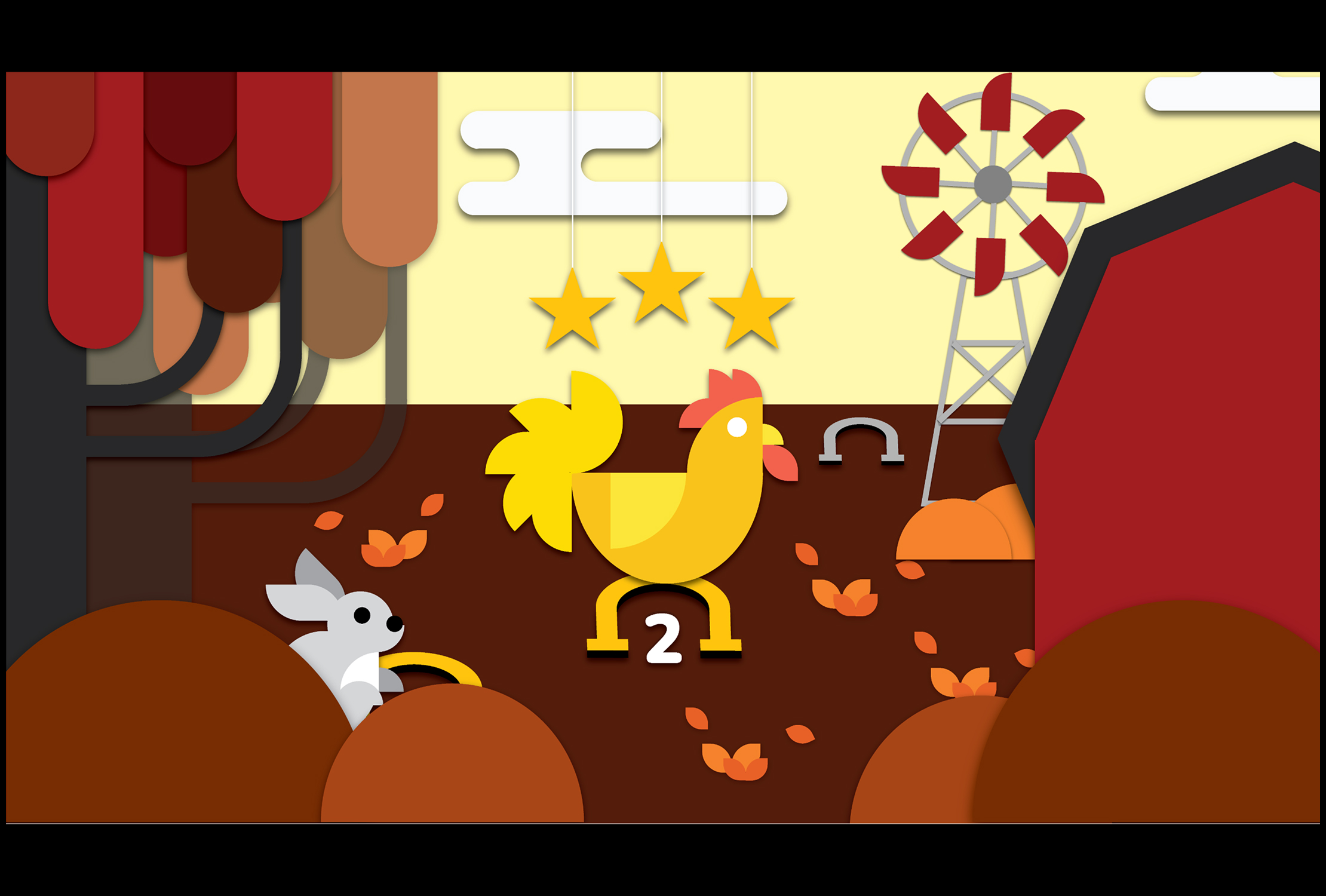
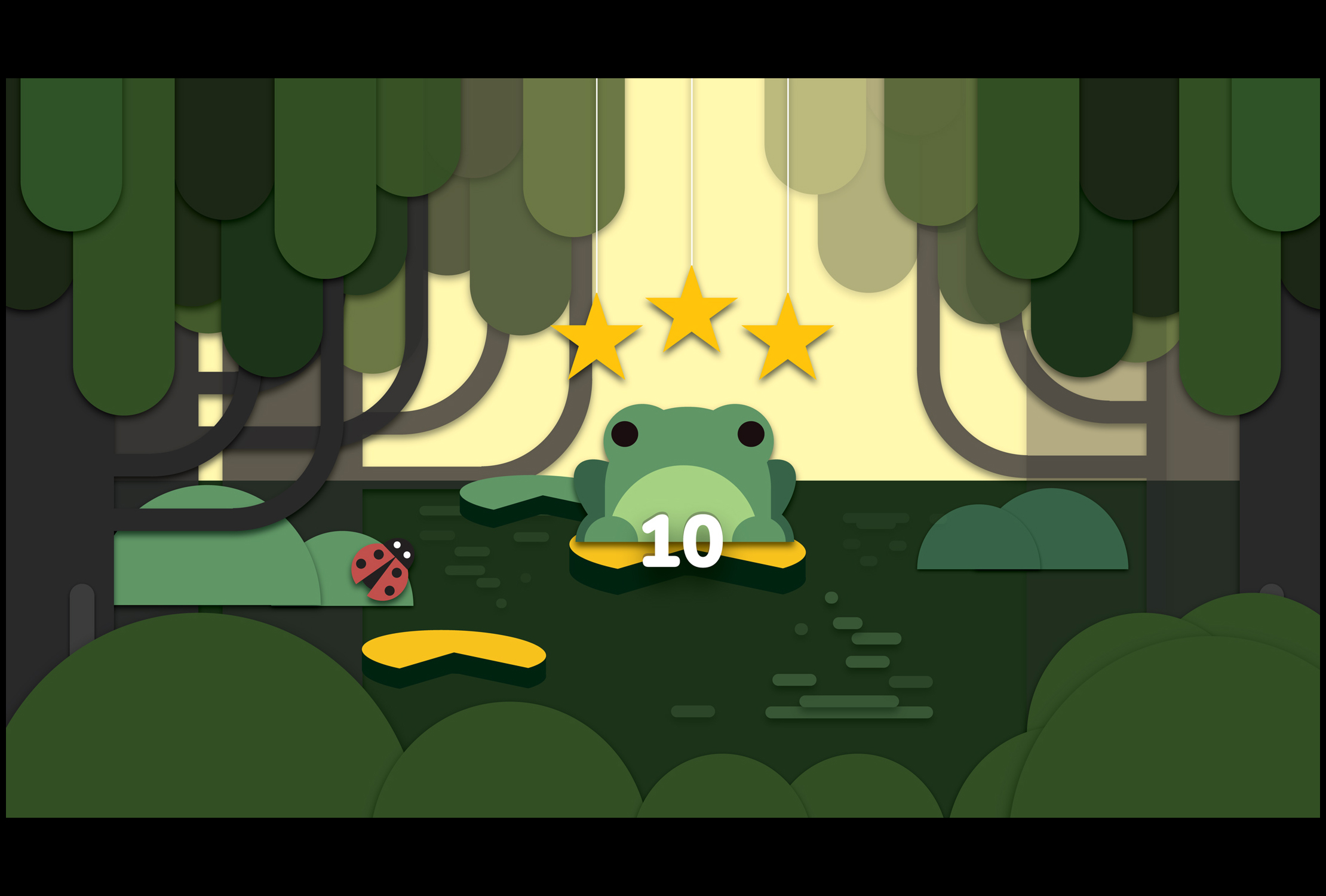
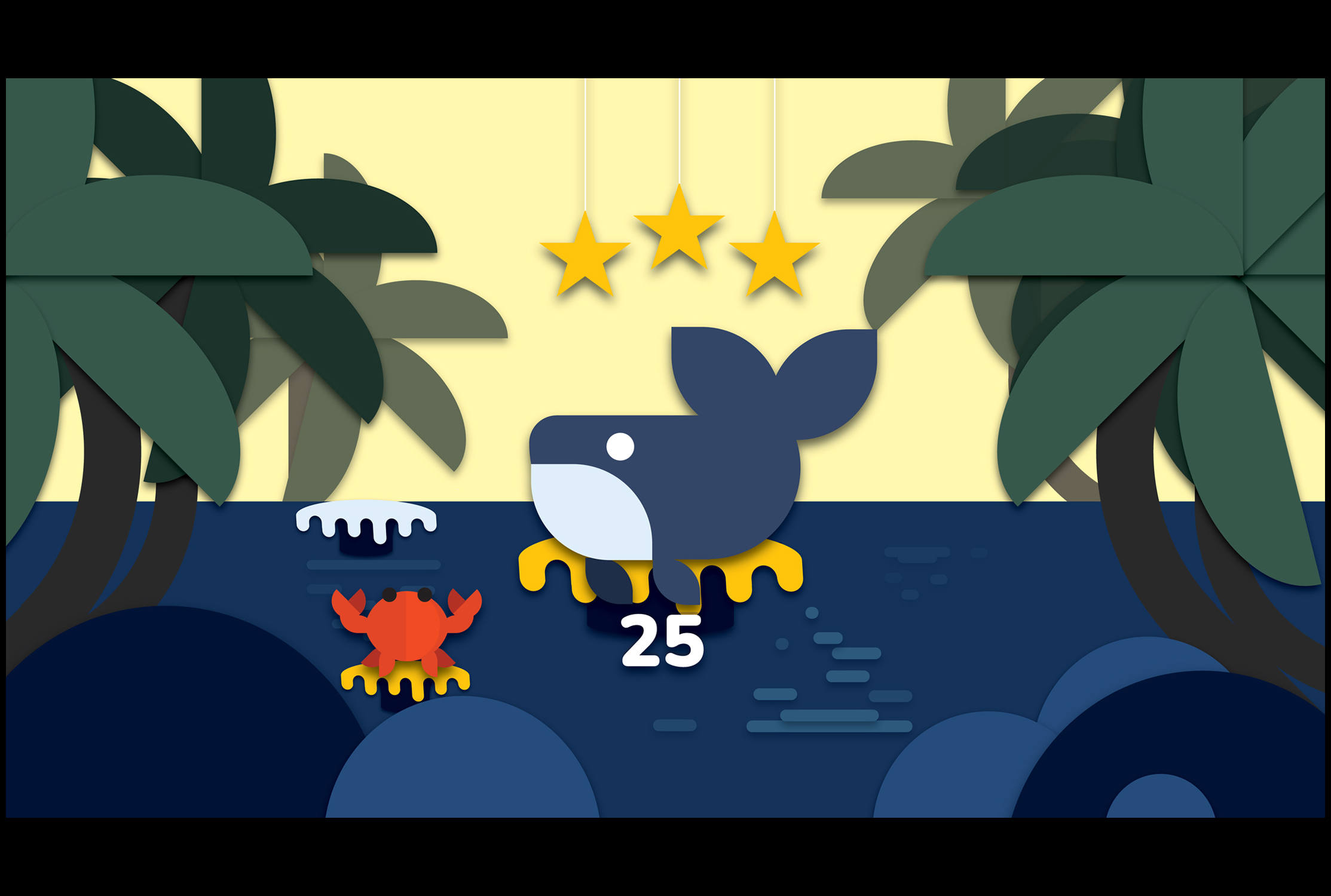
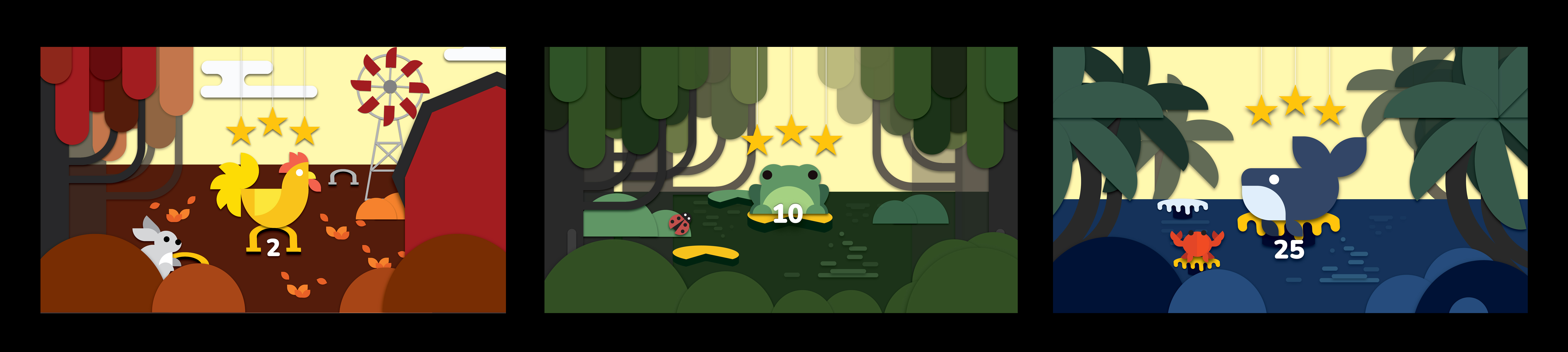
My competitive research showed that microanimations were an effective tactic in user retention. I added character narrators to each drawing lesson that would respond to the user and move when clicked. Each animation was built on two or three frames of animation and followed a path of jumping, swimming, or running in the final animation.
The final site was responsive across desktop and mobile viewpoints and responded to fingers, apple pens, and mouse taps. The simple interface and limited tools excited kids without overwhelming and confusing them. The colored dots gave in-time user feedback for accuracy, and the "magic clean up button" excited users and showed them that anyone can draw.
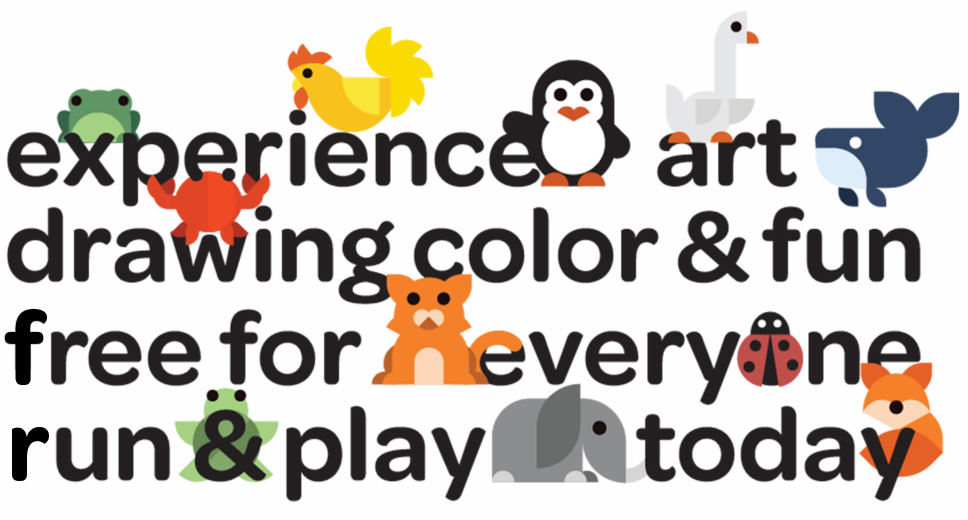
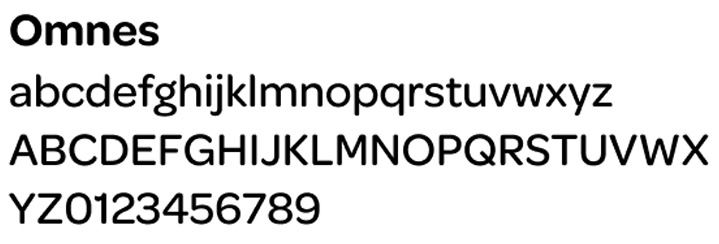


The typography, characters, and backgrounds are all based on the same simple shapes to create consistency throughout the site.